Goal of this tutorial: Have historical, linguistic and archeological commentary alongside scripture readings.
Navigate to the primary domain interface at esv.org. Create an account to access the full suite of features. Log into your account to unlock full lateral layout controls. Desktop version of the website (rather than on mobile device) is more optimized to view both primary scripture columns and peripheral data panels.
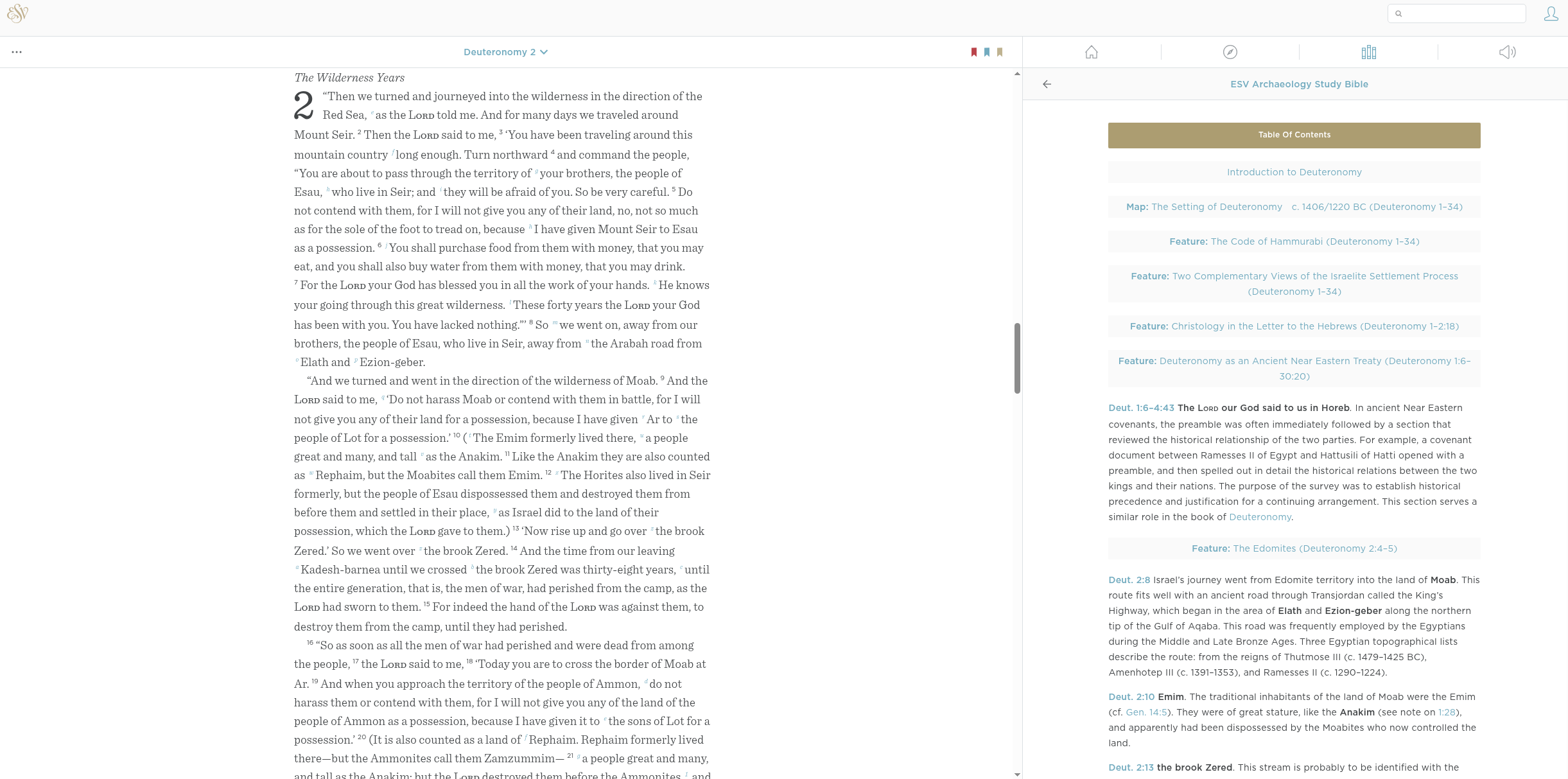
The visual guide below shows how to open the ESV Archaeology Study Bible, which exists as a right column body of text that syncs automatically to whatever scripture being viewed in the main column.
Using this layout anchors abstract text to concrete geological, architectural, and historical landmarks. Ensure the right column remains un-minimized during scripture reading.
Below are screenshots to try an convey the steps to load and view the ESV Archaeology Study Bible.
Initial viewscreen of esv.org
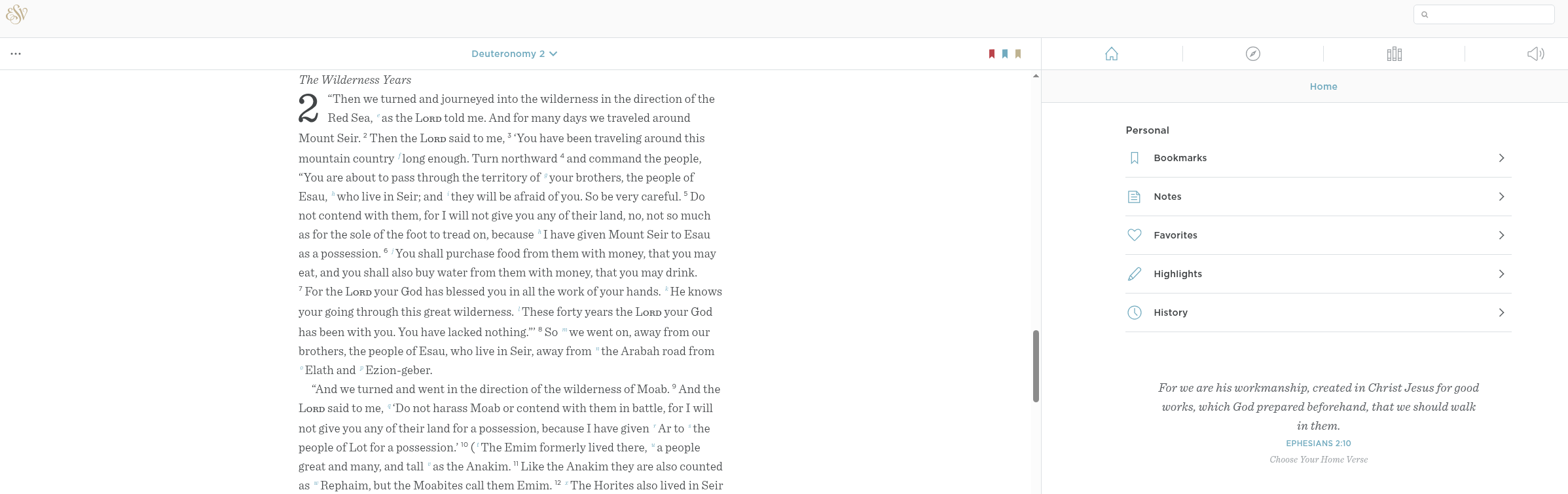
Isolating the Right Column Resources
Direct your focus away from the central textual stream and scan to the far-right border of the layout matrix. Locate and activate the Library / Resource Menu panel.
 This column acts as your repository for forensic overlays, commentaries, and historical analytical data systems.
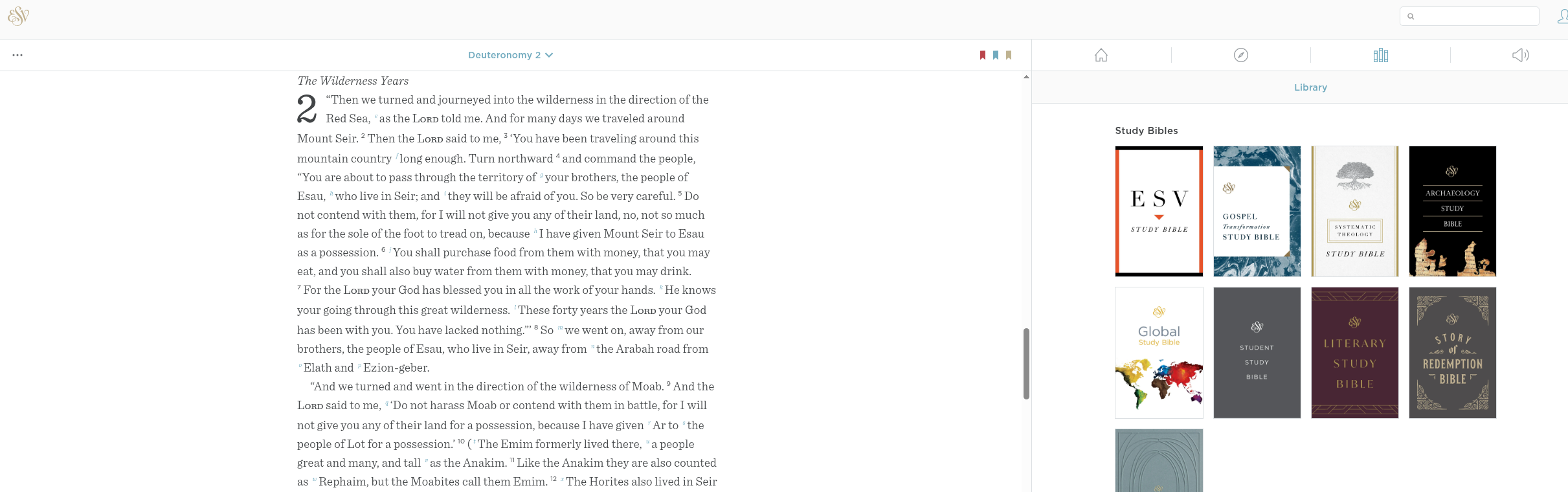
Activating the Archaeology Module
Scroll through the library listings inside the right column to locate the ESV Archaeology Study Bible.
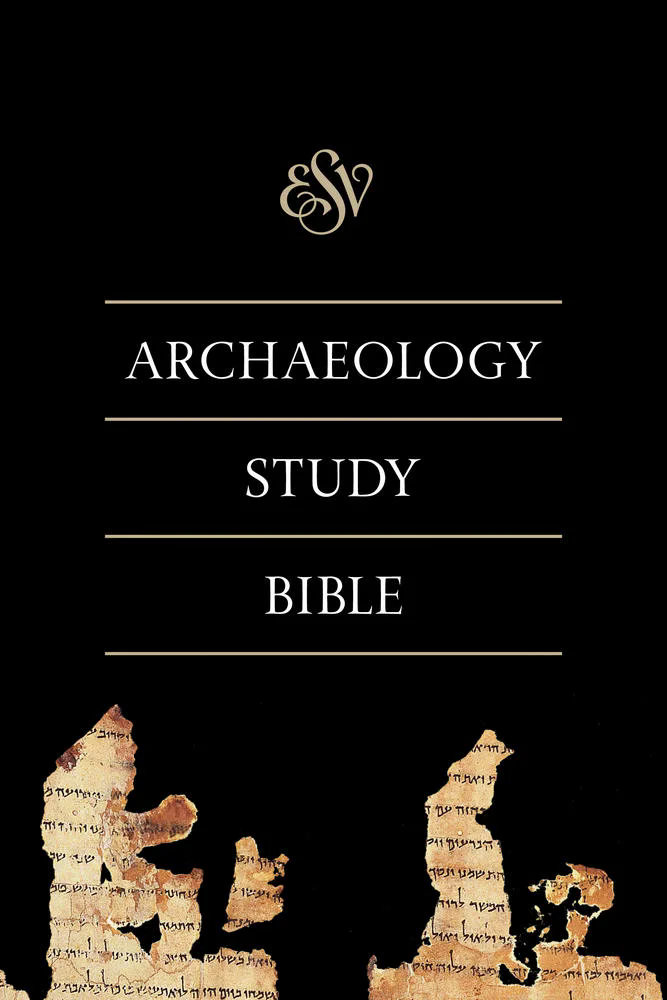 Toggle this module on. The layout will immediately lock into alignment, pinning archaeological briefs, ancient material culture profiles, and geographical verification logs directly parallel to your active text lines.




[ X.COM PROFILE ]